Notes
These are an assessment of individual student’s progress during a course. They can be printed out and combined with test results and mark group schemes to give a detailed report on a student. Assessments can be added by teachers or by School Admin.
Go to: School Admin – Settings – Notes.
To create a subject to be commented on:
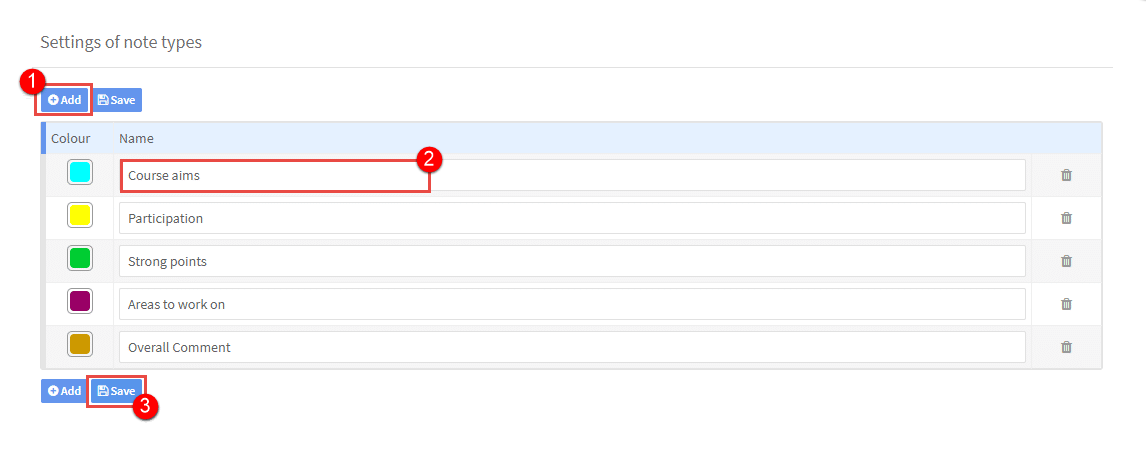
- Click “Add”.
- Enter the assessment subject you would like comments on.
- Click “Save”.